










































Vendor Registration
Vendor Information
Your product also gets extra protection from unauthorized access within other marketplaces.
How the order process works
1. Place your order on the website
2. Payment details are provided
3. Download links are issued after payment
Payment Methods
You can pay using any major Credit/Debit Card, or via PayPal

Why should you trust us?
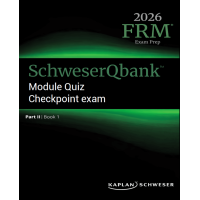
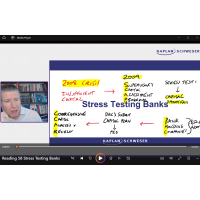
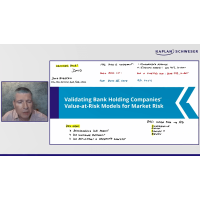
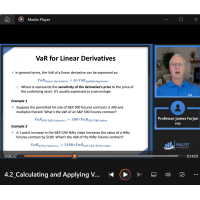
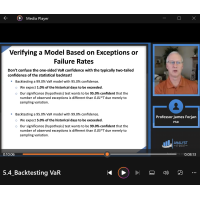
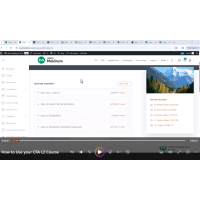
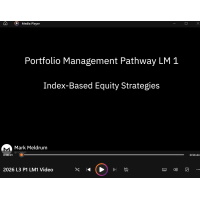
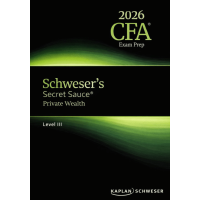
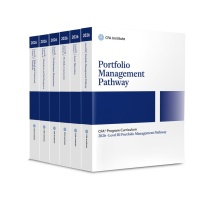
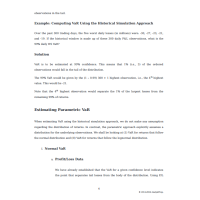
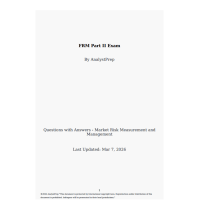
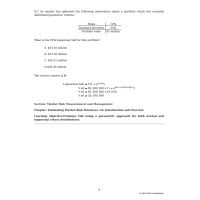
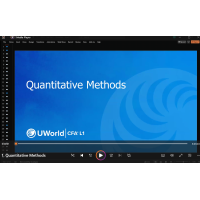
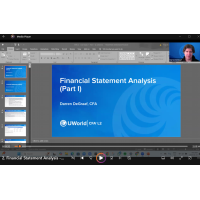
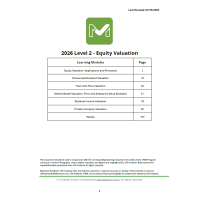
Each product includes sample materials and content images, allowing you to review and compare them directly with the official course listing.
FAQs
Do I need an account to purchase products?
No account is required to purchase or receive downloads. You can checkout as a guest.
How do I signup for a free account?
You can signup by clicking REGISTER here. You can also find register in the menu under 'Login'.
What payment methods can I pay with?
You can pay by either Credit/Debit card which allows checkout with all major Credit/Debit Cards - Mastercard, Visa, Amex, JCB, Union Pay and many more. You can also pay through Bitcoin upon request.
Can I get the 10% discount if I spend over $50 across multiple orders?
The 10% discount only applies when your cart total exceeds USD $50 (or equivalent currency) in a single transaction. Multiple smaller purchases that add up to $50 won’t qualify. To unlock the offer, make sure your order total is over $50 before checking out — the discount will be applied automatically.
How many times can I access my downloads?
Upon purchase, you can download your products as many times as you like and on as many devices as you like - yes thats right unlimited!
What devices can I use to open the e-Books, and listen to the audio?
We recommend using a PC/Mac/Laptop to view and listen to your files, as it is the easiest and most user friendly way to learn with. Our files also work with Smart Phones e.g. iPhone, Android and Tablets e.g. iPad.
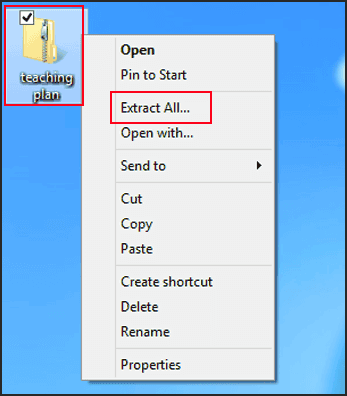
I'm having trouble opening the .zip file/folder what should I do? I have never dealt with .zip files/folders before.
Some of the larger files such as videos are stored inside .zip folders which means you need to extract the folder to view whats inside the folder. You can extract the folder with Winzip (default free tool on Windows or the default one on Mac). Right click the folder and click 'Extract All' to extract the folder, you should now see the files. We also recommend another free .zip file extractor (Winrar) you can get it from this link, it works the same as the others mentioned above.